


Skip to content

QR code ordering

QR code ordering for your tables, with no commission.

Guests scan the code, order from a photo menu in their own language, and the kitchen sees it in seconds. No app to download.

01 Tour

Your QR ordering, from the table to the bill.

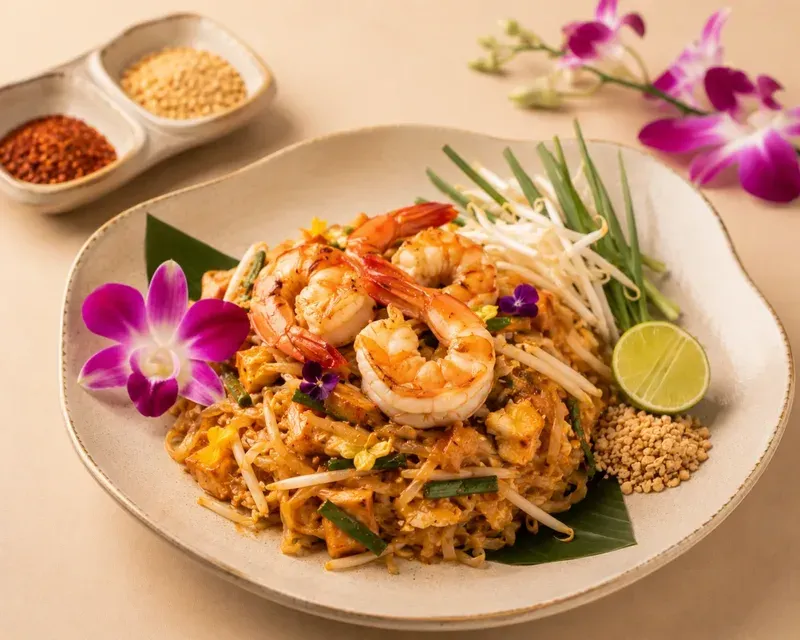
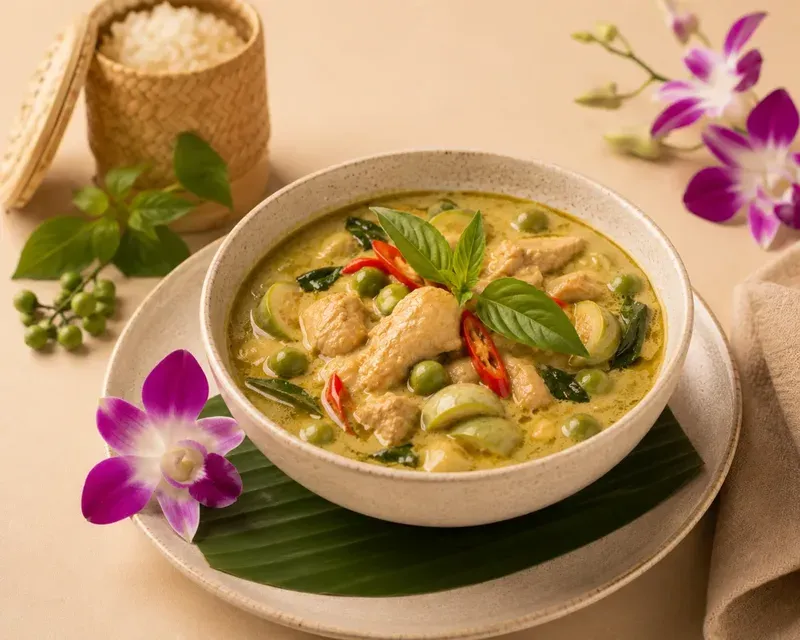
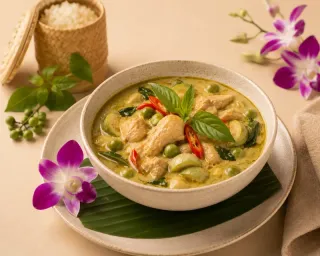
This is miraMENU, shown with Kranok Kitchen. A guest orders at the table on their phone, the kitchen sees it straight away, your staff bring it out, and the guest pays the way they like. Every guest reads the menu in their own language. Try it yourself in the demo

02 Features

Everything from the table to the kitchen.

Guests order and call the waiter from their phone, and you change the menu yourself. Try it in the live demo. Open the live demo

For your guests

  • Order without an app

    Guests scan the code on the table and order from their own phone. No app, no account.

  • In your guests' language

    English, German, Chinese or any other language. Guests switch with one tap at the top.

  • The bill on their phone

    Guests see the bill on their phone and pay right there with Apple Pay, Google Pay or a card. The waiter and the counter work too.

For kitchen and service

  • Straight to the kitchen

    Every order is on the kitchen screen within seconds. One tap moves it from new to preparing to ready.

  • Call the waiter

    One tap on the phone, and your staff see which table needs them.

  • Alerts on your team's phones

    New orders, waiter calls and dishes ready to serve pop up as push messages.

For you as the owner

  • Change the menu yourself

    New prices, new dishes, sold out for today: you change it yourself in a minute.

  • See what sells

    Top dishes, revenue and your busiest hours, for today, the last 7 or 30 days.

  • No commission

    Every order is fully yours. You pay a fixed monthly price, nothing per order.

03 Who it's for

For every place that serves food and drinks.

From a street food stall to a hotel restaurant: one system for all of them.

  • Casual restaurant

    Casual restaurant

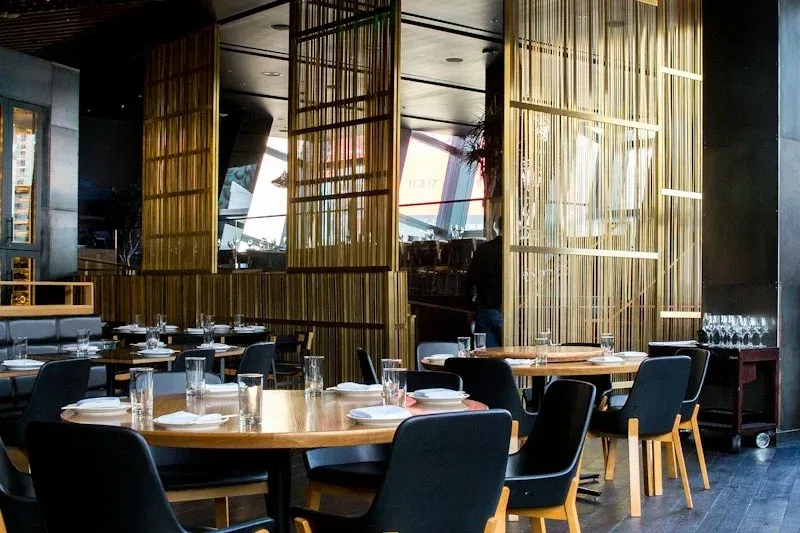
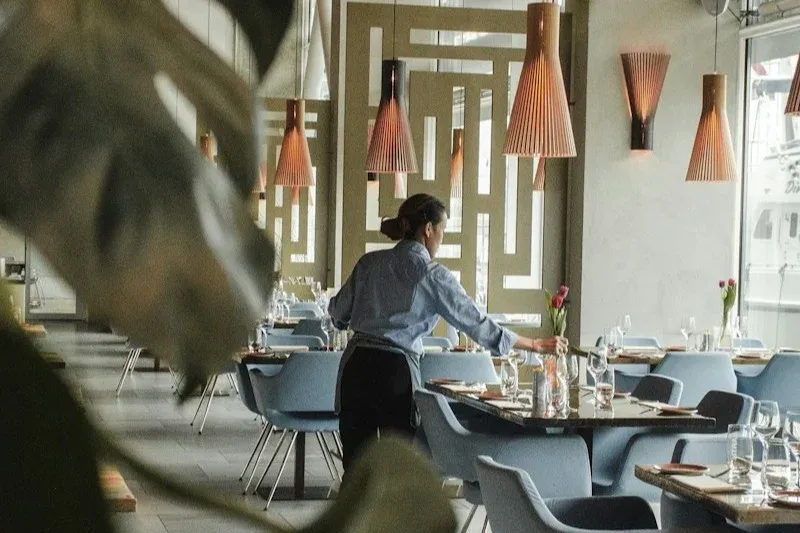
    10 to 30 tables. Guests scan the code, order themselves and ask for the bill from their phone. One server can cover the whole room, and tables turn over faster.

  • Café & coffee shop

    Café & coffee shop

    Guests working at the table can order more without getting up. Baristas see orders on the kitchen display, ping when ready.

  • Street food stall

    Street food stall

    Street food that wants to look more professional. A QR code on the table, a photo menu in several languages, and guests from abroad browse in their own. Your staff doesn't need to speak theirs.

  • Bar & nightlife

    Bar & nightlife

    Guests order drinks from the table, and staff no longer run between the bar and the tables. Less waiting for everyone.

  • Hotel restaurant

    Hotel restaurant

    All-day dining in a hotel. Guests of every nationality order in their own language, and the kitchen sees every order at once.

  • Food court

    Food court

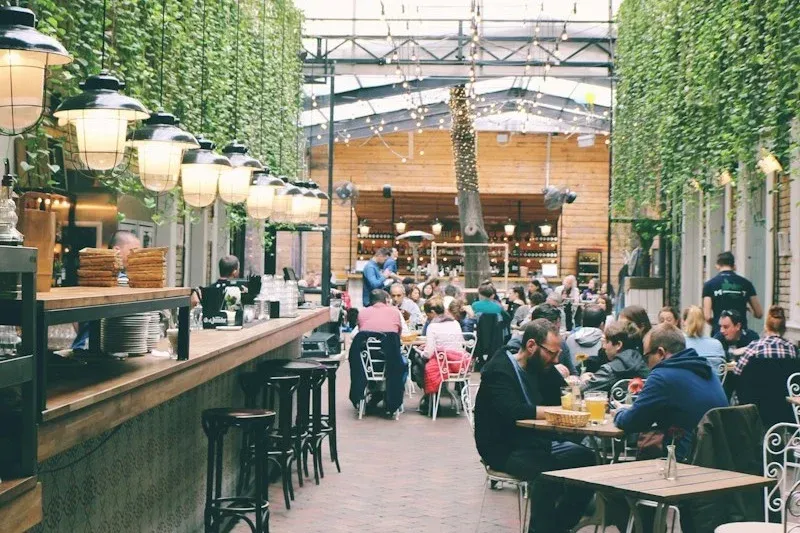
    One QR code per table. Guests order from their seat, and the orders reach the kitchen without paper tickets.

  • Food truck

    Food truck

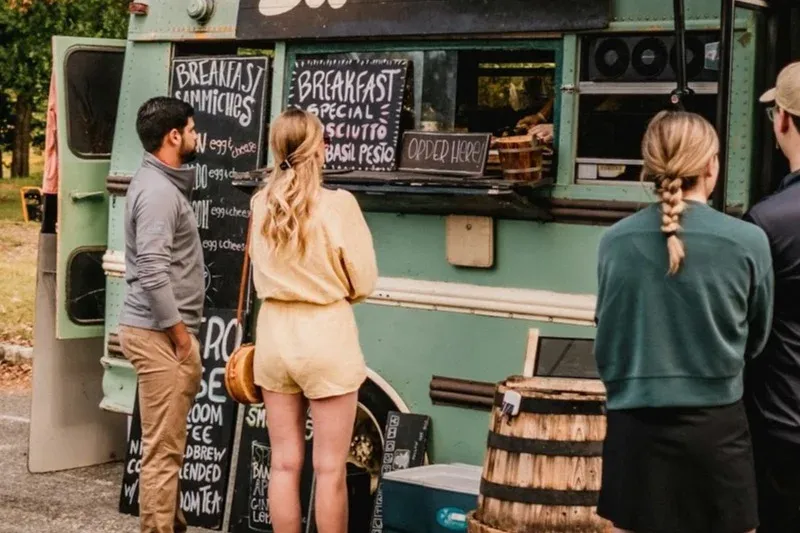
    No tables. Guests walk up, scan, order and pay. They wait for their name to be called. No paper tickets, no order errors.

  • Fine dining

    Fine dining

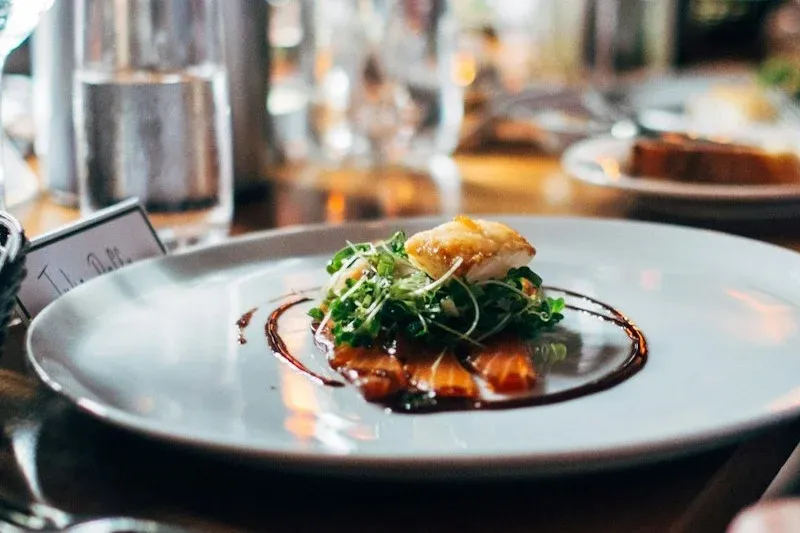
    A digital menu with photos and detailed descriptions, wine pairings and notes from the kitchen. Guests read in their own language, and staff focus on service.

04 Prices

QR ordering prices: one monthly fee, nothing per order.

Three plans for any size of restaurant. Together with booking and a website you save up to 19% every month.

Save up to 20% with yearly billing

Self-service

QR Menu Lite

Just the digital menu, no ordering, no payments.

$19 per month
  • Photo menu in multiple languages
  • QR table stickers included
  • Descriptions and spicy or vegan labels per dish
  • Unlimited tables
Get started
Done for you

QR Order Premium

Guests pay on their phone, and everything is set up and kept up to date for you.

$49 per month

Everything in QR Order, plus:

  • Guests pay right on their phone
  • Menu and system set up for you
  • Custom branding to your venue
  • Kept up to date for you
Get in touch

Compare the plans

QR Menu Lite $19 QR Order $29 QR Order Premium $49
For your guests
Opens with the phone camera, no app needed Included Included Included
Photo menu with categories and descriptions Included Included Included
In your guests' language, switched with one tap Included Included Included
Labels for spicy and vegan dishes Included Included Included
A pop-up for your specials when the menu opens Included Included Included
A button for guests to review you on Google Included Included Included
Order from the table, with a note for the kitchen Not included Included Included
Call the waiter with one tap Not included Included Included
See the bill on the phone and ask to pay Not included Included Included
Pre-order when booking a table (with the booking system) Not included Included Included
Pay right on the phone: Apple Pay, Google Pay or card Not included Not included Included
For kitchen and service
Kitchen screen with every order, from new to ready Not included Included Included
Service screen: what to serve, which table needs you Not included Included Included
Notifications on staff phones for orders, calls and ready dishes Not included Included Included
Cashier screen with open bills per table Not included Included Included
Own login for each staff member, with roles Not included Included Included
Order history for every day Not included Included Included
For you as the owner
Change dishes, prices and photos yourself Included Included Included
Mark dishes as sold out with one tap Included Included Included
Categories and sub-categories, sorted by drag and drop Included Included Included
Your logo, colours and cover photo on the menu Included Included Included
A QR code to print or download as PNG or SVG Included Included Included
Panel in English, Thai, German or Chinese Included Included Included
Deleted dishes can be restored for 30 days Included Included Included
A log of who changed what, and when Included Included Included
Works on phone, tablet and computer, also as an app Included Included Included
A separate QR code for every table Not included Included Included
Sales figures: revenue, top dishes, busiest hours Not included Included Included
Included
No commission per order Included Included Included
Unlimited tables Included Included Included
QR table stickers Included Included Included
Hosting, updates and support Included Included Included
Menu and system set up for you Not included Not included Included
Kept up to date for you Not included Not included Included

Hosting, support and updates included on all three plans. Cancel anytime. For businesses only. Any taxes that may apply are not included and are shown in the offer.

Website and apps together: save up to 19%

Add online booking, QR ordering or an online shop to your website and pay less for each.

QR Order + Booking

QR ordering plus 24/7 online table booking.

$45 per month
Regular total $54 Save $9/mo
  • QR Order System
  • Booking System
Choose this bundle

QR Order + Website

QR ordering plus a complete professional website.

$89 per month
Regular total $104 Save $15/mo
  • QR Order System
  • Website
Choose this bundle

Bundle prices are shown with the Business website. With the Pro website, add $40 per month. Your bundle discount stays the same.

05 FAQ

Questions about QR ordering.

How fast can we go live?
With Done for you, everything is ready in about 5 to 7 business days: the system, your menu with photos and a QR code for every table, ready to print. With Self-Setup, you upload the menu yourself and get the QR codes ready made.
Do we need to buy tablets or hardware?
No. Guests use their own phones to scan the QR code. The kitchen display runs on any tablet or computer you already have. No new devices needed.
How can guests pay?
With QR Order Premium, guests pay right on their phone with Apple Pay, Google Pay or a card. Otherwise they pay the waiter at the table or at the counter, in cash or by card on your own terminal, and your staff mark the order as paid. Phone payments run through Stripe, which charges its usual fee per payment. There is no commission per order.
What if the internet goes down?
The kitchen display buffers orders offline. Guests can use their phone's 4G/5G to scan and order as normal. The system re-syncs automatically once internet returns.
Can we change the menu often?
Yes. The admin panel works on your phone. Add dishes, change prices, run today's specials. It all goes live immediately, without waiting for anyone.
What if we only want to show the menu, without ordering?
Then QR Menu Lite is exactly right. $19/month, the same photo menu in multiple languages with QR table stickers, but no ordering or payment. You can upgrade to the full system anytime, your menu data carries over.
06 Quick definitions

QR ordering terms, explained.

The words behind scan-to-order menus, in plain language.

QR menu

A printed QR code on the table. Guests scan it to open your live digital menu, with no app to install.

Self-ordering

Guests order and re-order straight from their phone. Staff focus on service instead of taking orders.

Live menu

A digital menu you update instantly, sold-out items, new dishes, prices, without reprinting anything.

Table turnover

How quickly a table is seated, served and freed for the next guests. Self-ordering speeds it up, so more covers per night.

Kitchen Display (KDS)

QR orders go straight to a kitchen screen, with no paper tickets. The kitchen sees every item and its order clearly, with fewer mistakes.

Service display

A second screen for the floor team. It shows which dishes are ready for which table, and which guests have tapped to call a waiter.

Start

Serve faster without adding staff?

Book a free call. I'll help you pick the right plan and set everything up.

Try the live demo first

  • Reply within 24 h
  • Free first consultation
  • In English or German